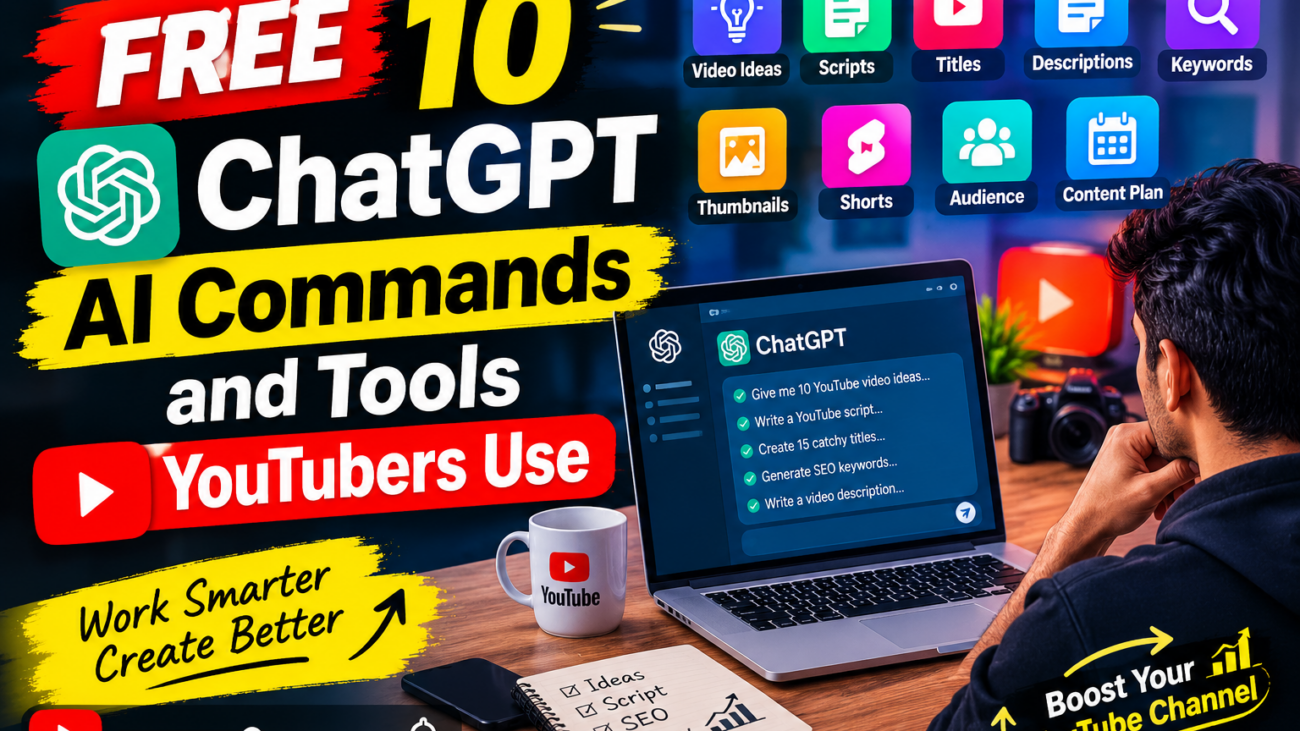
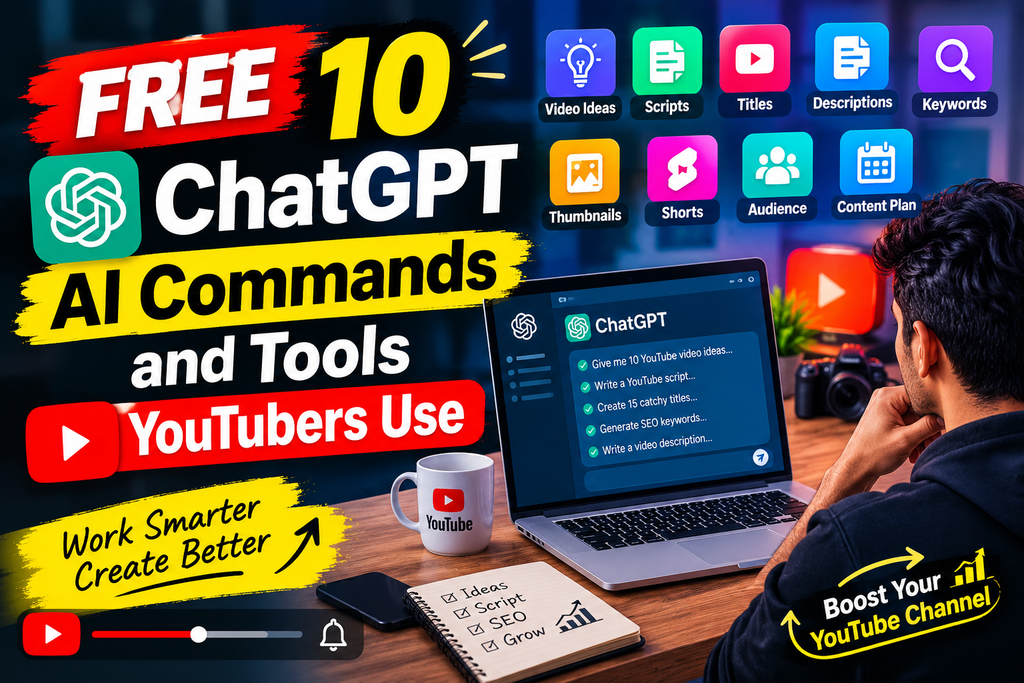
Creating YouTube content takes time. You need to find ideas, write scripts, create titles, research keywords, prepare descriptions, generate social media posts, and keep your audience engaged. Fortunately, free ChatGPT AI commands can help YouTubers complete many of these tasks faster.
ChatGPT can work like a personal content assistant when you give it clear instructions. Instead of simply asking ChatGPT to “write a YouTube script,” you can use specific commands that tell it what topic to cover, who the audience is, what tone to use, and how long the content should be.
In this guide, we will explore 10 free ChatGPT AI commands that YouTubers can use for content creation, YouTube SEO, video ideas, scripts, titles, descriptions, thumbnails, and audience engagement.
What Are Free ChatGPT AI Commands?
Free ChatGPT AI commands are carefully written prompts or instructions that tell ChatGPT exactly what you want it to create.
For example, instead of writing:
“Give me a YouTube idea.”
You can use a more detailed free ChatGPT AI commands command:
“Give me 10 YouTube video ideas about AI tools for beginners. Make the ideas useful, searchable, and suitable for a technology channel.”
The second command gives ChatGPT more information, so the response can be more useful.
YouTubers can use free ChatGPT AI commands at almost every stage of the content creation process.
Why YouTubers Use ChatGPT AI
YouTube creators often spend hours researching and preparing content. AI can reduce the time required for repetitive tasks and help creators organize their ideas.
Some common uses include:
- Finding video ideas
- Writing video scripts
- Creating YouTube titles
- Writing descriptions
- Generating keywords
- Creating hooks
- Preparing FAQs
- Writing social media posts
- Brainstorming thumbnail text
- Creating content calendars
The important thing is thatfree ChatGPT AI commands should support your creativity rather than completely replace it. Always review AI-generated content and add your own experience, examples, opinions, and personality.
10 Free ChatGPT AI Commands YouTubers Can Use
1. YouTube Video Idea Command
The first step free ChatGPT AI commands in creating a successful video is finding a good topic.
Use this command:
Command:
“Act as a YouTube content strategist. Give me 10 video ideas about [YOUR TOPIC] for beginners. Make each idea interesting, useful, and suitable for YouTube search. Include a suggested title and the main audience for each video.”
This is one of the most useful free ChatGPT AI commands for creators who regularly struggle to find fresh topics.
For example, an AI channel could ask for ideas about ChatGPT, AI tools, automation, or digital marketing.
Why use it?
It helps you create a list of possible topics instead of starting from zero every time.
2. YouTube Script Writing Command
After choosing a topic, you need a strong script.
Try this:
Command:
“Write a YouTube video script about [TOPIC] for beginners. Start with a powerful 10-second hook, explain the topic in simple language, include practical examples, and finish with a clear call to action. Keep the tone friendly and engaging.”
This free ChatGPT AI command can create a starting structure for your video.
You can then add your own examples and experiences to make the script original.
Recommended structure
- Hook
- Introduction
- Problem
- Main explanation
- Examples
- Tips
- Conclusion
- Call to action
3. YouTube Title Command
Your title is important because viewers need to understand what your video offers.
Use this command:
Command:
“Generate 15 YouTube titles for a video about [TOPIC]. Make them clear, interesting, and SEO-friendly. Avoid misleading clickbait. Keep the titles concise and suitable for a beginner audience.”
This free ChatGPT AI command can give you multiple title ideas.
For example, instead of using a generic title such as:
“ChatGPT Tutorial”
you could explore variations such as:
“10 ChatGPT Commands Every YouTuber Should Know”
The final title should accurately represent the video.
4. YouTube Description Command
Writing descriptions for every video can become repetitive.
Use this command:
Command:
“Write an SEO-friendly YouTube description for my video about [TOPIC]. Include a short introduction, important points covered in the video, relevant keywords naturally, a call to action, and a short disclaimer if needed.”
A good description helps viewers understand what they will learn from your video.
You can also ask ChatGPT to create timestamps based on your final script.
5. YouTube Keyword Command
Keywords can help you understand what phrases are relevant to your video topic.
Try:
Command:
“Give me 20 relevant YouTube keyword ideas for a video about [TOPIC]. Group them into primary keywords, secondary keywords, long-tail keywords, and question-based keywords.”
This free ChatGPT AI command can help you brainstorm search phrases.
However, do not blindly add every keyword to your title or description. Keywords should be relevant and used naturally.
6. YouTube Hook Command
The opening seconds of a video are extremely important for getting viewers interested.
Use:
Command:
“Write 10 powerful YouTube video hooks for a video about [TOPIC]. Each hook should create curiosity, clearly communicate the benefit, and be understandable within 10 seconds.”
For example, your hook could introduce a problem:
“Are you spending hours creating YouTube content? These AI commands can help you organize your workflow much faster.”
A good hook should quickly tell viewers why they should continue watching.
7. Thumbnail Text Command
ChatGPT can also help brainstorm short thumbnail phrases.
Use:
Command:
“Give me 15 short thumbnail text ideas for a YouTube video about [TOPIC]. Keep each option between 2 and 5 words. Make them easy to read and different from the video title.”
Examples could include:
- 10 AI Commands
- Create Videos Faster
- YouTube AI Secrets
- Work Smarter With AI
- Free AI Tools
Keep thumbnail text short. The thumbnail should communicate the idea quickly.
8. YouTube Shorts Command
YouTubers can use AI to repurpose long-form content into Shorts.
Try this command:
Command:
“Turn this YouTube video topic into 5 YouTube Shorts ideas. For each Short, create a strong opening hook, 30–60 second script, key takeaway, and call to action.”
This is another useful free ChatGPT AI command for creators who want to create both long-form videos and Shorts.
For example, one 10-minute video about AI tools could become several short videos covering individual tools or tips.
9. Audience Engagement Command
Building an audience requires communication.
Use:Command:
“Create 20 engaging questions that I can ask my YouTube audience about [TOPI]. Make the questions suitable for comments and encourage viewers to share their experiences or opinions.”
You can use these questions at the end of videos, in Community posts, or as discussion starters.https://www.youtube.com/watch?v=2IAYFgAqX6g
For example:
“Which AI tool saves you the most time every week?”
Questions like this can encourage viewers to participate.
10. YouTube Content Calendar Command
Consistency is easier when you have a plan.
Use:
Command:
“Create a 30-day YouTube content calendar for a channel about [TOPIC]. Include the video title, content type, target audience, main keyword idea, suggested hook, and call-to-action for every day.”
This free ChatGPT AI command can help organize your content workflow.
Instead of deciding what to publish every day, you can prepare your ideas in advance and adjust the calendar according to your audience’s interests.
How to Use ChatGPT Commands Effectively
Using AI does not mean copying everything it generates. The quality of your results depends heavily on the quality of your instructions.
A useful command should provide:
1. Role
Tell ChatGPT what role it should take.
Example:
“Act as a YouTube SEO strategist.”
2. Topic
Clearly explain your subject.
Example:
“My topic is free AI tools for students.”
3. Audience
Tell it who will watch your content.
Example:
“My audience is beginners and college students.”
4. Format
Explain what you want.
Example:
“Create a 60-second YouTube Shorts script.”
5. Tone
Specify the style.
Example:
“Use a friendly, simple, and educational tone.”
Combining these elements makes free ChatGPT AI commands much more effective.
free ChatGPT AI commands vs Manual Content Creation
| Task | Manual Work | With ChatGPT |
|---|---|---|
| Video ideas | Brainstorming | Idea generation |
| Script outline | Manual research | Fast structure |
| Titles | Multiple drafts | Title variations |
| Description | Write from scratch | First draft |
| Hooks | Brainstorming | Multiple options |
| Shorts ideas | Manual repurposing | Quick concepts |
| Content calendar | Spreadsheet planning | Structured ideas |
| Audience questions | Manual creation | Multiple questions |
AI can save time, but human judgment is still important.
Tips for YouTubers Using Free ChatGPT AI Commands
Add Your Own Experience
AI-generated free ChatGPT AI commands content can sound generic. Add your personal examples, opinions, demonstrations, and results.
Fact-Check Important Information
Do not automatically assume every AI-generated statement is correct. Check important facts, statistics, product information, and current information before publishing.
Avoid Repetitive Content
Using the same command repeatedly can produce similar-looking content. Change your instructions and add unique information.
Focus on the Viewer
Ask yourself:
“What will the viewer learn or gain from this video?”
Useful content is more valuable than simply producing a large amount of AI-generated text.
Improve Your Commands Over Time
Save commands that produce good results and improve them based on your experience.
Final Thoughts
Free ChatGPT AI commands can be powerful assistants for YouTubers. They can help with video ideas, scripts, titles, descriptions, hooks, keywords, thumbnails, Shorts, audience questions, and content calendars.
The biggest advantage is not simply generating content faster. It is creating a more organized workflow so you can spend more time recording, editing, experimenting, and connecting with your audience.
Start with the 10 commands in this guide and customize them for your own YouTube niche. Whether you create technology videos, educational content, gaming videos, tutorials, reviews, or Shorts, the right free ChatGPT AI commands can help you turn ideas into a repeatable content workflow.
Remember: AI is a tool, not a replacement for your creativity. Your experience, knowledge, personality, and original ideas are what make your YouTube channel unique.